

Interactive Flat Panels In Michigan: A Guide For K–12 Leaders


Platinum Consulting Services (PCS) has spent years helping school districts modernize instruction with tools that simply work. In this guide, we share what we’ve learned about interactive flat panels (IFPs) in Michigan—how they boost engagement, support accessibility, and keep hybrid learning steady on any snow day. If you’re weighing upgrades or scaling what you already have, we’ll help you focus on what matters, from features to funding to professional learning.
The Importance of Interactive Flat Panels in Michigan Classrooms
Instructional Impact Across Subjects
Interactive flat panels turn passive screens into shared workspaces. In math, you can model multi-step problems, capture annotations, and save them to your LMS (learning management system). In science, simulations and lab demos come alive with precise inking and quick access to video and images. In language arts, students annotate texts side by side. In social studies, maps, timelines, and primary sources become interactive.
With IFPs, you don’t just replace a whiteboard. You redesign moments of learning.
Students participate more, feedback loops tighten, and teachers can pivot easily: whole-group explanations, small-group collaboration, and quick checks for understanding without breaking the flow.
Accessibility and Universal Design for Learning
IFPs open doors for learners who need different on-ramps. Built-in tools like magnification, color-contrast modes, and multi-language support help more students access content in ways that work for them. Clear audio and simple casting support Universal Design for Learning (UDL). The goal isn’t extra tools for a few—it’s equitable participation for all.
Hybrid, Remote, and Snow-Day Learning
Michigan has virtual enrollments and weather disruptions. IFPs connect smoothly with LMS platforms, video-conferencing tools, and content libraries so instruction doesn’t stall. Teachers can share the panel screen with remote students, record mini-lessons, and keep groups collaborating—even when some learners are at home. That stability helps students and families stay on track.
Classroom Scenarios: Elementary, Middle STEM, and High School Hybrid

In elementary classrooms, morning meetings are interactive; phonics and number talks are tactile. Students greet peers, share goals, and play games that build community.
Hands-on stations and drawings capture thinking. Teachers circulate, confer, collect evidence, and reinforce routines nurturing participation.
In middle school STEM, modeling and simulations make abstract ideas concrete. Teams prototype, code algorithms, and test variables with sensors and spreadsheets. Students chart trends, compare models to results, debate trade-offs. Roles, checkpoints, and rubrics promote equity, creativity, and communication.
In high school hybrid settings, panels anchor instruction while teachers record mini-lessons. Interactive displays stream annotations; an LMS organizes agendas. Breakouts pair classroom and remote peers; boards capture thinking. Polls and exit tickets check understanding. Projects culminate in showcases, feedback.
Discover Your Perfect Panel: Features That Bring Your Vision to Life
Screen Size, Brightness, and Viewing Distances
Visibility is non-negotiable. In rooms with long sightlines or bright windows, choose a high-brightness panel in the right size for the space. The goal is legible text and clear images from the back row, even in daylight.
Touch, Inking, and Sensors for Precise Instruction
Precision matters when students solve equations, label diagrams, or sketch designs. Multi-touch lets several learners interact at once. Smooth stylus inking keeps handwriting readable. Good sensors make the panel respond quickly and consistently—so technology fades into the background and learning stays front and center.
Operating System, Apps, and Google/Microsoft/LMS Compatibility
Your panel should work with what teachers already use: Google Workspace, Microsoft 365, and your LMS. Look for simple sign-ins, secure workflows, and easy access to core apps. When tools are one tap away, teachers can focus on teaching, not workarounds.
Audio, Casting, and Centralized Device Management
Strong built-in speakers help every student hear. Reliable wireless casting supports teacher and student devices. Centralized device management gives IT remote updates and controls, while teachers get plug-and-play simplicity. When both groups win, adoption sticks.
Infrastructure, Installation, and Support Planning

Power, Mounting, and Cabling in Legacy Buildings
Michigan schools range from historic buildings to new additions. Plan for safe power access, proper mounting height, and clean cable routes. Mobile stands can bridge gaps during renovations or when rooms serve multiple purposes.
Network Capacity, Casting, and Security Segmentation
IFPs succeed when the network keeps up. Budget for bandwidth, reliable casting, and secure segmentation so panels, teacher devices, and student devices share the airwaves without congestion. Stable connections protect instructional time.
Lifecycle, Warranty, and Total Cost of Ownership
Panels are long-term investments. Compare warranties, support response, and firmware update cadence along with expected lifespan. A slightly higher upfront cost can be the best value over five to seven years if service, training, and reliability are strong.
Budgeting and Funding
Collaborative Purchasing
Pooling resources across districts increases bargaining power, reduces duplication, and standardizes classroom experiences. Joint evaluations surface best-in-class tools, while shared training and support lower implementation costs. Cooperative agreements streamline procurement and ensure equity, so small schools access the same quality as large ones. Collective data insights continuously refine purchasing decisions.
Diverse Funding Streams
Blend federal, state, and local funds with grants, philanthropy, and partnerships to stabilize budgets and scale innovation. Align expenditures with multi-year objectives and sustainability plans, avoiding one-off purchases. Use pilot evidence to justify investments, braid funding to cover training and maintenance, and monitor outcomes to reallocate resources effectively over time.
Long-Term Investment and Partnerships
Plan phased deployments that build capacity year over year, pairing hardware, software, and professional learning. Engage families, community organizations, and local businesses to extend impact beyond classrooms. Establish vendor partnerships with clear performance metrics and renewal checkpoints. Prioritize interoperable solutions
that reduce future costs and enable flexible upgrades without disruption.
Aligning with Strategic Priorities
Map every purchase to student outcomes in literacy, numeracy, STEM, engagement, and well being. Define success criteria upfront, including usage targets and instructional shifts. Build dashboards that connect investment, implementation fidelity, and achievement. Involve educators in selection to ensure classroom relevance. Sunset tools that underperform and reinvest in proven approaches.
Professional Learning and Change Management
Coaching, Professional Learning, and Partnerships
Even the best tools don’t teach themselves. Pair rollouts with purposeful coaching, flexible professional learning, and strong partnerships. Short, focused sessions and in-class support build confidence and momentum.
Learning Design, Feedback, and Impact
Technology makes the greatest difference when learning is reimagined: active thinking, collaborative stations, and frequent checks for understanding. Focus on what matters—engagement, growth, and time reclaimed—to show meaningful progress, not just activity.
Conclusion
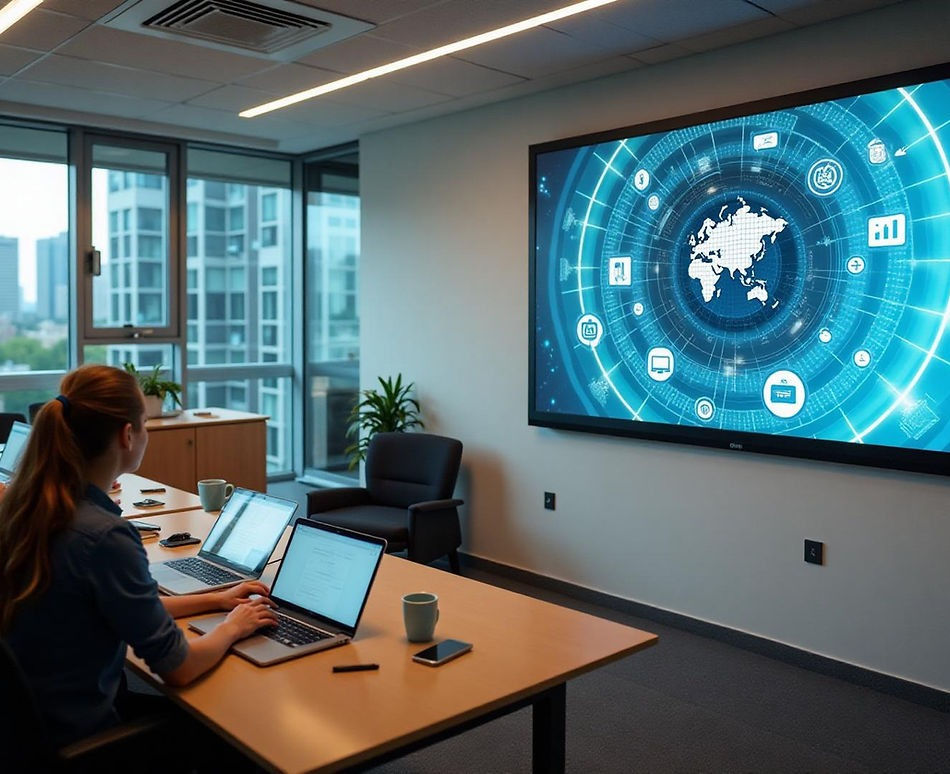
More than a hardware upgrade, interactive flat panels in Michigan are a path to engaging, accessible, future-ready classrooms. When you align features, funding, and professional learning, teachers gain tools they’ll actually use, and students gain learning they’ll remember. If you’re looking to upgrade your classrooms, contact PCS for a custom tech plan; request a free demo or get a quote for your school today to discover how PCS can help you implement smarter teaching tools.
To learn more, explore our services, read about us, browse promotional products, see who we serve, get in touch, and find more insights on our blog.
Interactive Flat Panels in Michigan: FAQs
What are the benefits of interactive flat panels in Michigan classrooms?
IFPs turn lessons into collaborative, hands-on experiences. Teachers can model steps, annotate, and save to the LMS. Students interact at the same time. Feedback loops tighten. Panels also work with video conferencing and content libraries, keeping learning steady during hybrid days and weather disruptions.
Which features matter most when selecting an interactive flat panel for schools?
Prioritize clear visibility (right size for the room and high brightness), precise multi-touch and smooth stylus inking, strong compatibility with Google Workspace, Microsoft 365, and your LMS, plus integrated audio, reliable wireless casting, and centralized device management.
How do interactive flat panels support accessibility and UDL?
Built-in magnification, color-contrast modes, multi-language support, and clear audio help more learners access content. Easy casting and simple sign-ins reduce barriers. These features support UDL by offering multiple ways to engage, represent, and act—making equitable participation part of everyday instruction.
What size interactive flat panel is best for a standard classroom?
Match panel size to viewing distance and room brightness. For most classrooms, 75 inches balances readability and cost; choose 86 inches for long sightlines or bright spaces. Ensure text is legible from the back row in daylight, and pair size with enough brightness for consistent visibility.


Comments